
Watch YouTube together. Just share the tab.
August 23, 2026
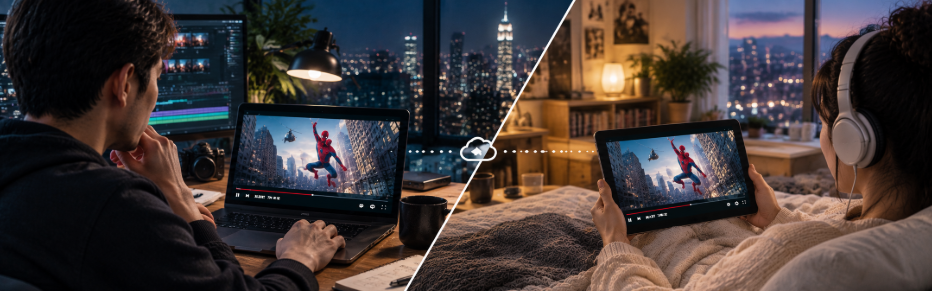
You found a video worth watching. Sending the URL works, but then you’re both watching at different points, pausing and typing, “Wait, go back to 4:12.”
With Boaba, you share the tab you’re already watching. Your friend sees exactly what you see.
1. Start a share
Open boaba.net and press Start Screen Sharing.
Boaba creates a private channel for you and takes you to the broadcast page. It starts sending right away.

2. Pick the YouTube tab
On the broadcast page, click Screen in the control bar under the canvas.
Your browser opens its own picker with three options. Select the tab option (Chrome Tab in Chrome, Browser Tab in Edge), then choose your YouTube tab from the list. Tabs are listed by page title, so look for the title of the YouTube video.
Before you press Share, check Also share tab audio in the bottom-left corner of the picker. That one checkbox is the difference between watching together and watching a silent movie. Boaba captures tab audio without echo cancellation, noise suppression, or auto gain, so music and dialogue sound just as they were originally mixed.
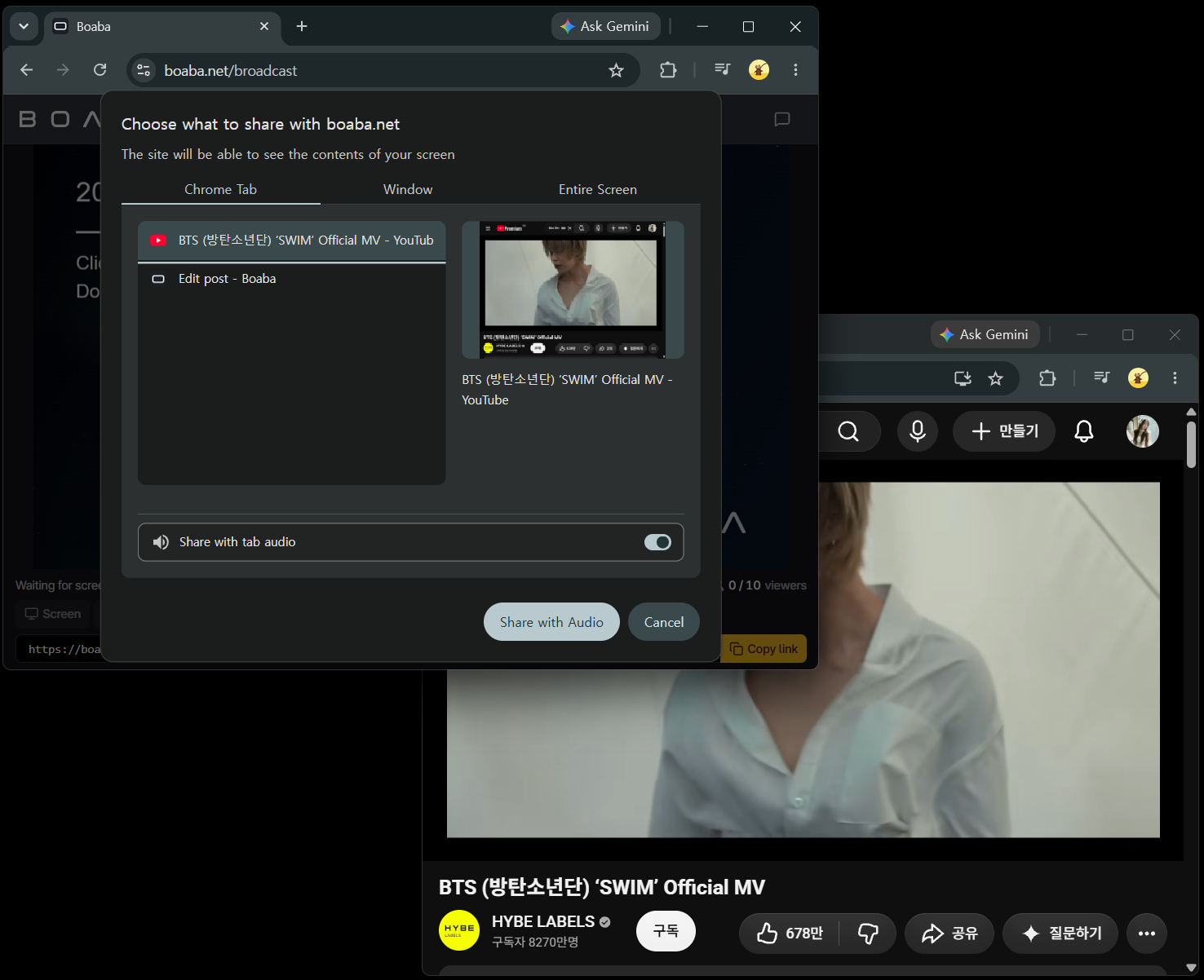
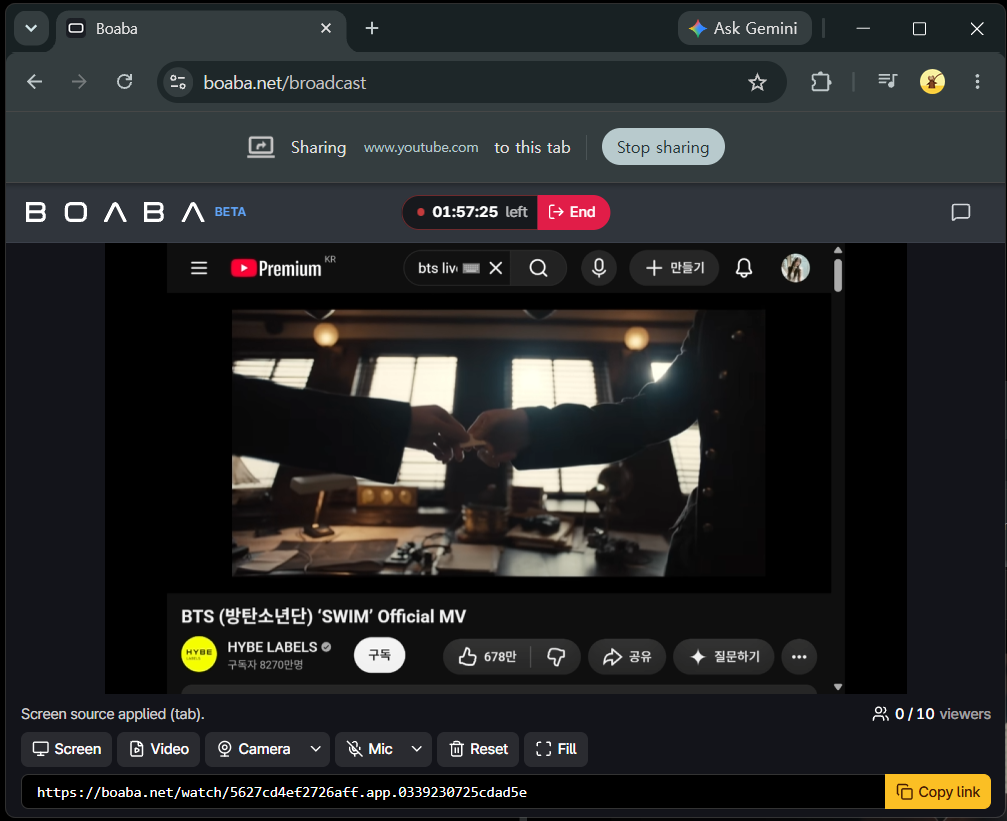
Press Share. The status line above the control bar confirms it:
Screen source applied (tab).
The canvas now mirrors the YouTube tab. Switch back to that tab and keep watching as usual—play, pause, seek, or go full screen. Boaba captures exactly what’s shown in that tab—and nothing else. and only that tab. The rest of your desktop, your other tabs, and your notifications stay yours.
3. Send the link
The bar under the canvas already contains your sharing link:
https://boaba.net/watch/<your-channel-id>
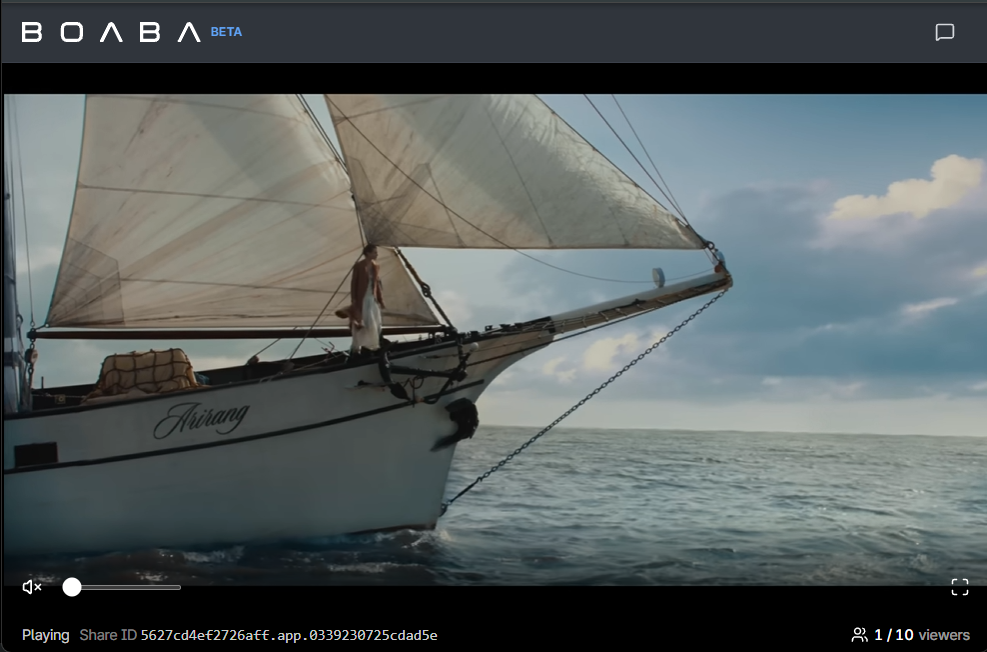
Hit Copy link and paste it into any chat app you use. Anyone who opens it lands straight in the player. No sign-up, no installation, and no app to download. and there is a chat panel next to the video for the "wait, watch this part" moments.
Quick recap
| Step | Where | What you do |
|---|---|---|
| 1 | boaba.net | Start Screen Sharing |
| 2 | Broadcast page | Screen → Chrome Tab → your YouTube tab → tick Also share tab audio → Share |
| 3 | Link bar | Copy link and send it |